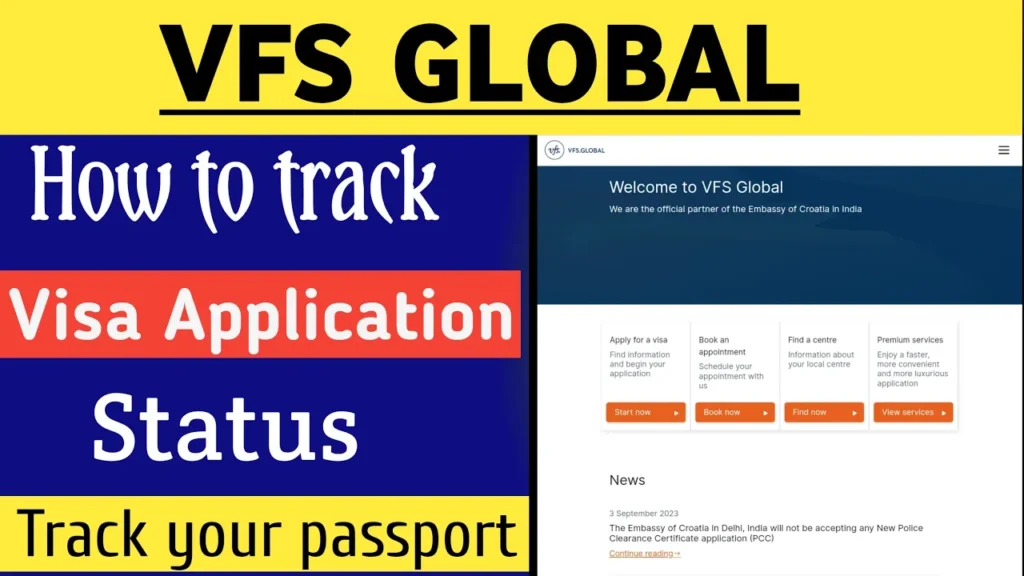
How to Check Your Visa Application Status Online Through VFS Global
Hello friends, my name is Rakesh and you are watching Rocky Ke Ande. In this guide, I will explain in complete detail how you can check your visa application status online through VFS Global directly from your mobile phone. Using this method, you can easily track where your visa and passport are, how far the process has reached, and what the current status is.
If you have applied for a visa through VFS Global and want accurate, official updates, this step-by-step guide will help you.
Why Check Visa Status Online?
Checking your visa application status online saves time and keeps you informed without visiting the visa center again and again. Through VFS Global’s official tracking system, you can:
- Track your visa application progress
- Check passport dispatch status
- Know whether your application is under process, approved, or dispatched
- Get real-time updates directly from the official source
Step-by-Step Process to Track Visa Application on VFS Global
Step 1: Open Google in Your Browser
First of all, open any browser on your mobile phone and go to Google. In the search bar, type VFS Global and search.
Click on the first official website link that appears in the search results.
Official website reference:
VFS Global Official Website
Step 2: Select “Visa, eVisa and Permits”
Once the VFS Global homepage opens, scroll down slightly. You will see different service options such as:
- Visa, eVisa and Permits
- Passport Services
- Government Services
- Region Services
You need to select the first option: Visa, eVisa and Permits.
Step 3: Choose Your Application Country
Now, select the country from where you applied for the visa. After that, choose the destination country you are traveling to.
For example, if you applied from India and are traveling to Croatia, select those options accordingly.
After selecting the countries, click on “Take Me to the Website”.
Step 4: Open the Visa Country Website
You will now be redirected to the official VFS Global page for your selected destination country. For example, it may show a message like:
“Welcome to VFS Global. We are the official partner of the Embassy of Croatia in India.”
Scroll down on this page.
Step 5: Click on “Track Your Application”
On the top-right corner, you will see a three-dot menu option. Click on it.
From the menu options, you will see:
- Apply for a Visa
- Book an Appointment
- Premium Services
- Track Your Application
Click on Track Your Application.
Step 6: Open the Online Tracking Page
After clicking, you may see some important notifications. Read them carefully and then scroll down.
Click on the link that says “Track your visa application status online”.
This will open the official VFS Global tracking page.
Step 7: Enter Your Tracking Details
On the tracking page:
- Select your preferred language (English, French, or Russian)
- Enter your Reference Number
This reference number is written on the receipt slip provided by VFS Global when you submitted your visa application.
- Enter your Last Name (Surname) in capital letters
- Fill in the captcha code shown on the screen
After entering all details, click on Submit.
Understanding Your Visa Application Status
Once you submit the details, your visa application status will appear on the screen.
For example, you may see a message like:
“Your visa application has been dispatched via courier on 08-08-2023. For more information, please call the VFS Global helpline.”
This means your passport has been sent through courier and is on its way to you.
For additional confirmation or help, you can contact the official VFS Global helpline number mentioned on the website.
Helpline reference:
VFS Global Visa Services
Final Words
So friends, this is how you can easily track your visa and passport status online for any country using VFS Global. This method works for almost all visa categories and countries where VFS Global services are available.
I hope this guide was helpful for you. If you found this information useful, don’t forget to like the video and feel free to ask your questions in the comments.
Thank you for reading.